
Email deliverability best practices
Warm-up, list hygiene, bounce and complaint rates, engagement, and content choices that keep your email out of the spam folder.
Getting your sending domain authenticated (SPF, DKIM, DMARC all passing) is table stakes — it doesn't guarantee your mail reaches the inbox on its own. Deliverability is an ongoing practice built from warm-up discipline, list hygiene, and paying attention to how recipients actually respond to what you send. This article covers the habits that keep your sender reputation healthy.
Warm up a new sending domain
A brand-new domain (or one that's switched sending providers) has no sending history, and mailbox providers treat unfamiliar senders with more suspicion than established ones. Sending a large volume immediately on a fresh domain is one of the most common ways accounts land in the spam folder.
- Start small: send to your most engaged contacts first — people who've opened or clicked recently, or who signed up recently and are still paying attention.
- Increase volume gradually over roughly 2 to 4 weeks, rather than jumping straight to your full list.
- Avoid sending your largest campaign of the quarter in week one of a new domain. Reputation is built gradually; it can't be rushed by volume.
Note: If you already have a dedicated sending domain that's warmed up and emails still go to spam, it's often faster to set up a new subdomain and warm that one up than to try to repair a damaged reputation on the old one.
Keep your list healthy
Sending to a stale, unengaged, or low-quality list is one of the fastest ways to damage a sender reputation that took months to build.
- Remove or suppress hard bounces immediately. A hard bounce means the address doesn't exist — continuing to send to it signals a poorly maintained list to receiving servers.
- Watch your soft bounce rate. The occasional soft bounce (full inbox, temporary server issue) is normal; a persistently high rate on the same address is a sign it's gone stale.
- Re-permission or sunset inactive contacts. Someone who hasn't opened anything in six or twelve months is dragging down your engagement rate even if they never unsubscribe. Consider a re-engagement campaign ("still want to hear from us?") followed by suppressing anyone who doesn't respond.
- Use double opt-in for cold or purchased lists. Requiring a confirmation click before someone's added to your sending list keeps out mistyped addresses, spam traps, and people who never actually wanted your mail — all of which hurt deliverability far more than a slightly smaller list helps.
Watch bounce and complaint rates
Two numbers matter more than almost anything else for deliverability, and both Google and Yahoo now publish explicit thresholds for bulk senders:
- Spam complaint rate — Google and Yahoo recommend staying under 0.1%, and treat 0.3% as a hard danger zone that risks blocking. This is the percentage of recipients who click "report spam," not just the percentage who unsubscribe.
- Bounce rate — persistently high bounce rates (generally above 2–5%, depending on the provider) signal an unmaintained list and start suppressing your deliverability across the board, not just for the bounced addresses.
If you don't already know your current numbers, check your campaign statistics — they're reported per send and in aggregate.
Keep unsubscribing easy
Google and Yahoo both require one-click unsubscribe support for bulk senders, and it's good practice regardless of your volume. The unsubscribe link on every marketing email should:
- Be visible and easy to find, not buried in tiny gray text.
- Actually work in one click, without requiring a login or multiple confirmation steps.
- Process quickly — someone who unsubscribes and gets another email from you a week later is far more likely to report it as spam.
Every email sent through the platform includes a working unsubscribe link automatically, so this is largely handled for you — the main thing to avoid is trying to remove or hide it, which both breaks compliance and increases complaint rates from people who resort to the spam button instead.
Avoid spam-trigger content
Filters increasingly weigh engagement over keywords, but some content habits still correlate with lower inbox placement:
- Avoid ALL-CAPS SUBJECT LINES and excessive punctuation (
!!!,$$$). - Keep a reasonable balance of text to images — an email that's a single large image with almost no text reads as suspicious to many filters.
- Don't use URL shorteners in marketing email; they obscure the destination and are commonly abused by spammers, so filters penalize them.
- Make sure your visible "From" name matches your actual sending identity — mismatched or deceptive sender names are a classic spam signal.
Monitor with Google Postmaster Tools
Google Postmaster Tools is a free dashboard that shows exactly how Gmail sees your domain: spam rate, domain and IP reputation, authentication success, and delivery errors — instead of guessing from open rates alone.
- Sign in at Google's Postmaster Tools site with a Google account and add your sending domain.
- Verify ownership with a TXT record at your DNS host.
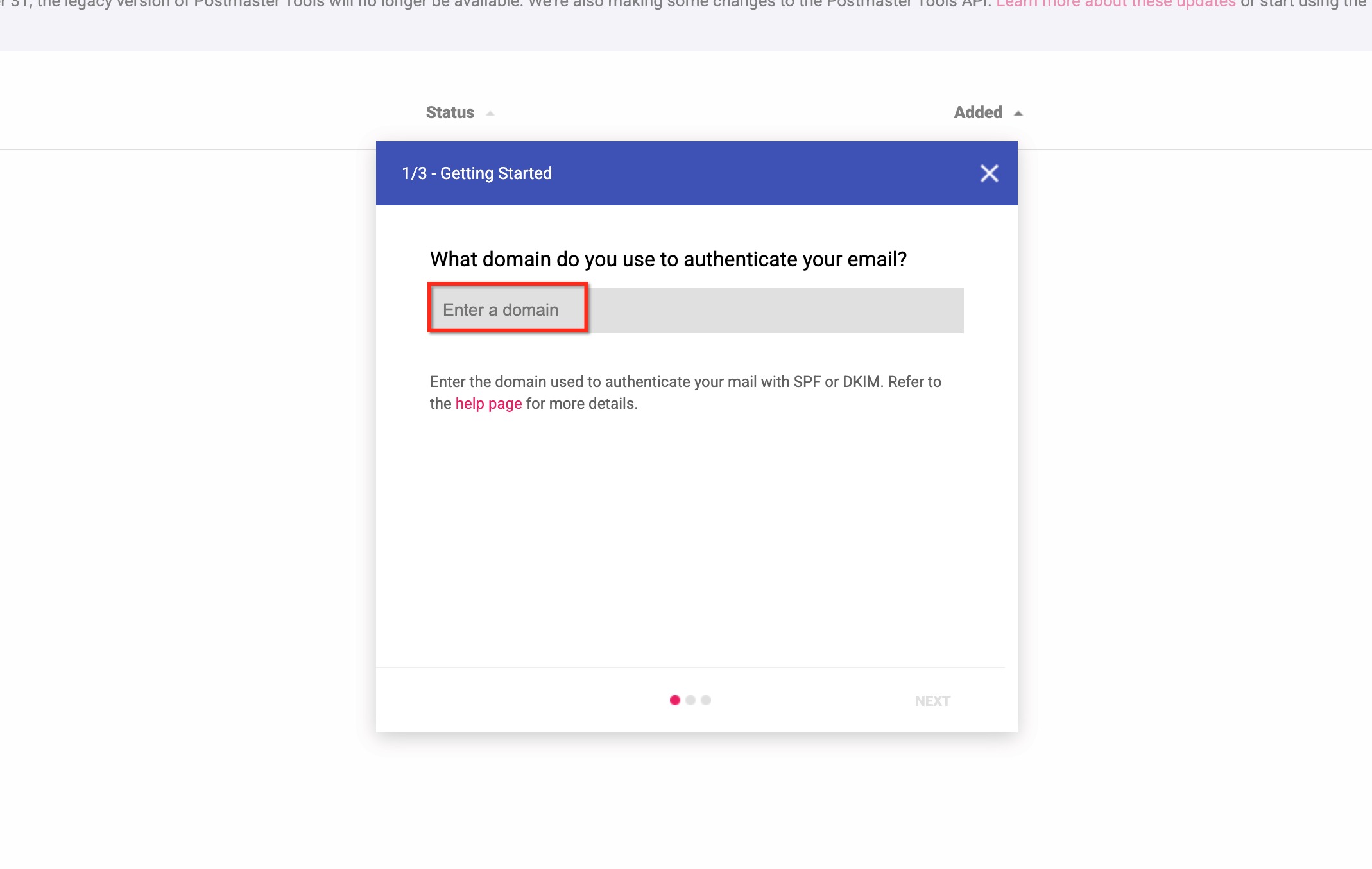
- Copy the verification TXT record it provides.
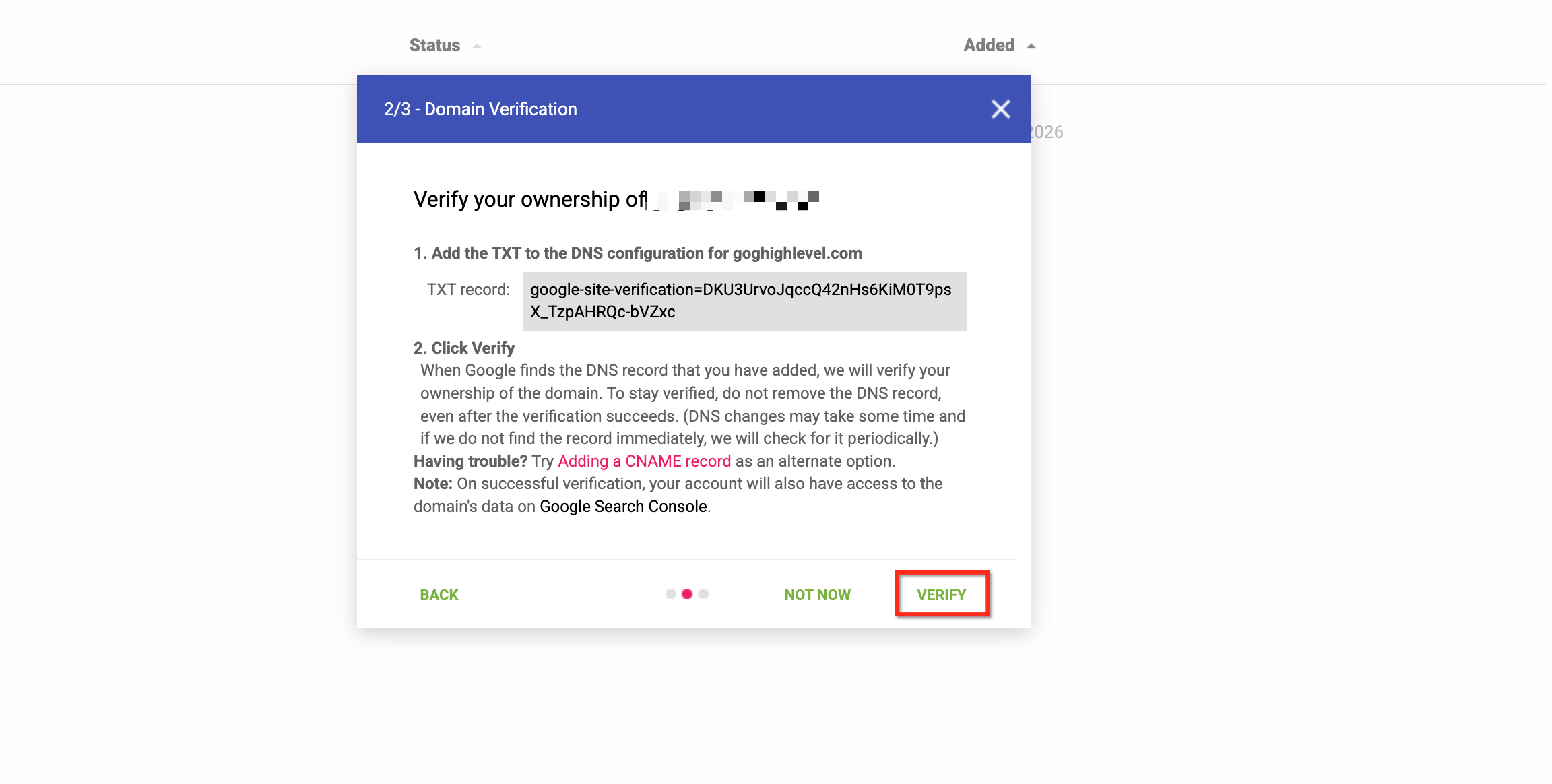
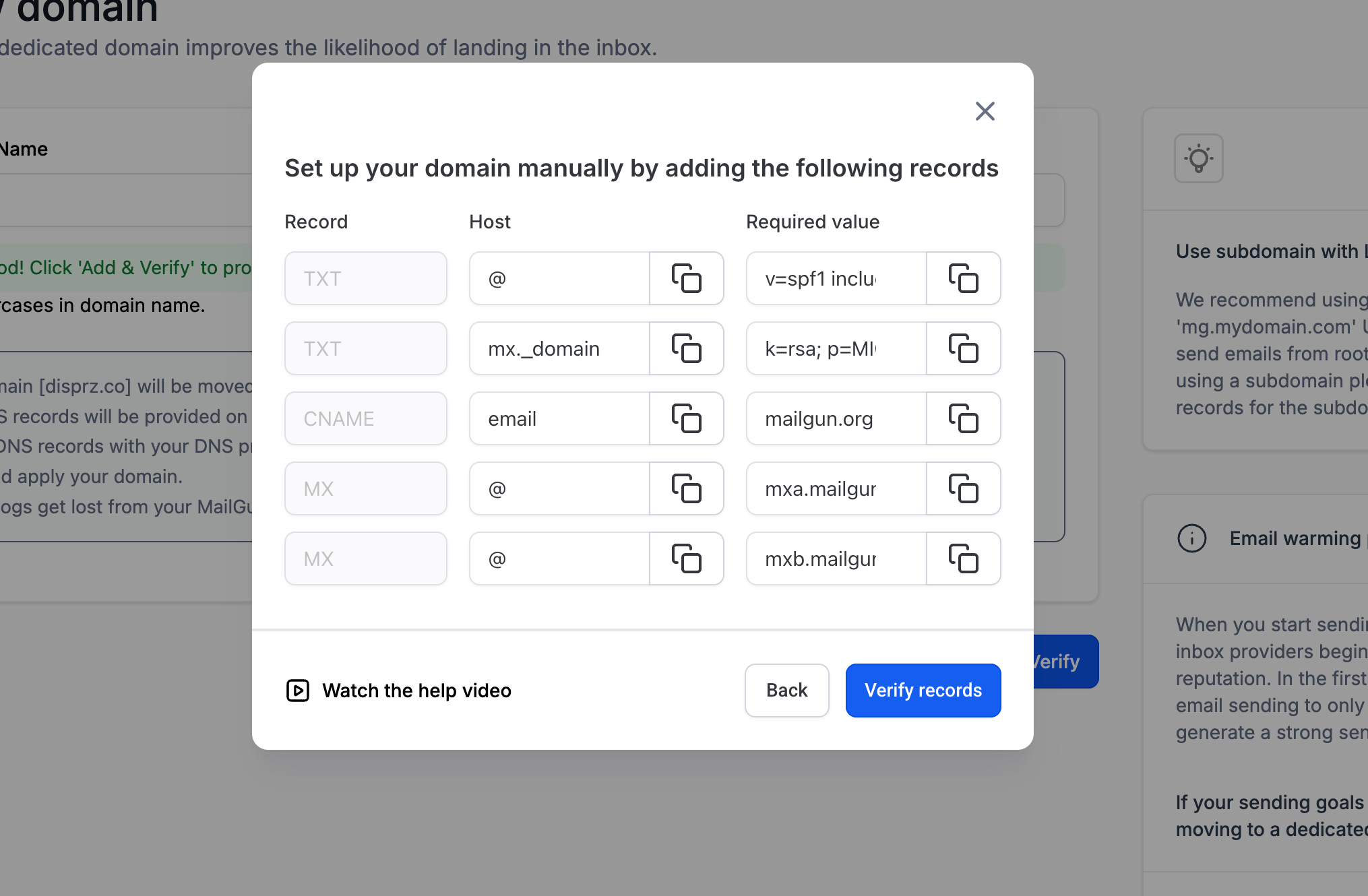
- Add the TXT record at your DNS host and save.
- Once Google collects enough volume from your domain (usually a few days), review the Domain Reputation, Spam Rate, and Authentication dashboards.
Postmaster data won't tell you about non-Gmail inboxes, but Gmail's scale makes it one of the most useful early-warning signals available.
Sunset policy
Set a rule for how long an unengaged contact stays on your active sending list. A common pattern: after 90–180 days with no opens or clicks, move the contact to a re-engagement sequence; if that also gets no response, suppress them from regular sends entirely. This keeps your engagement rate — a strong signal to mailbox providers — from being dragged down by contacts who've quietly stopped paying attention.
What done looks like
You know your current bounce and complaint rates, you have a sunset or re-engagement policy for stale contacts, any new sending domain is on a gradual warm-up schedule rather than full volume on day one, and you've connected Google Postmaster Tools if you're sending meaningful volume to Gmail addresses.
Related articles
- Set up your sending domain and authentication
- Troubleshoot email problems
- Manage unsubscribes, bounces, and compliance
Frequently asked questions
How long does domain warm-up actually take?
Plan for 2–4 weeks of gradually increasing volume, starting with your most engaged contacts. Sending your full list at full volume on day one of a new domain is the single most common cause of a new domain getting flagged early.
What complaint rate is actually dangerous?
Under 0.1% is considered healthy by both Google and Yahoo. At 0.3% you're at their stated threshold for bulk-sender enforcement action, which can include outright blocking. Treat anything trending upward as worth investigating immediately, not just the moment you cross a line.
Does double opt-in really make a measurable difference?
Yes, especially for lists built from ads, events, or purchased/rented sources. It filters out fake and mistyped addresses before they ever get a real send, which keeps your bounce rate and spam-trap exposure lower over the list's entire lifetime — not just the first email.